There are three ways to view when time was last reported for a case, and they are as follows:
To view when time was last reported for a case you are working on, head over to the Main Card, Cases-view.
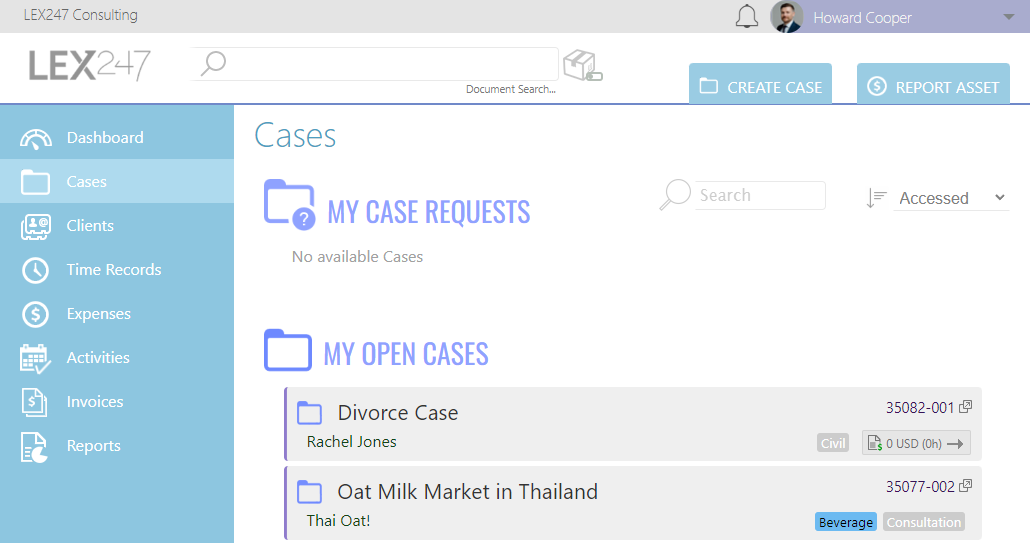
View on Main Search
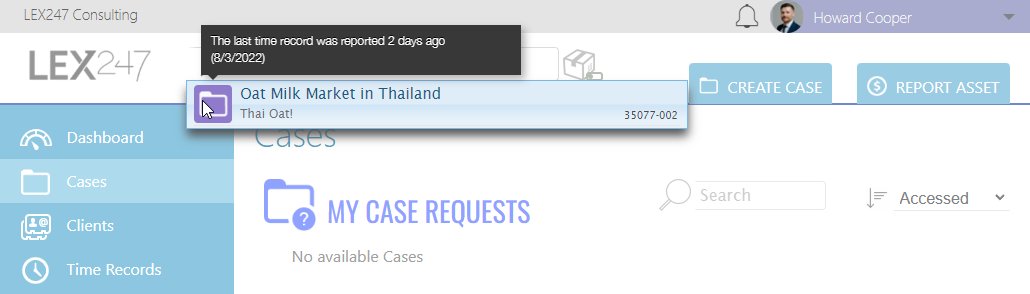
On the Main Card, Cases-view, type in the Main Search the case you wish to view when time was last reported using the following information:

- Case Name
- Case Number
Once you found the case, hover your mouse cursor over the 'Folder'-icon and it will appear as below.
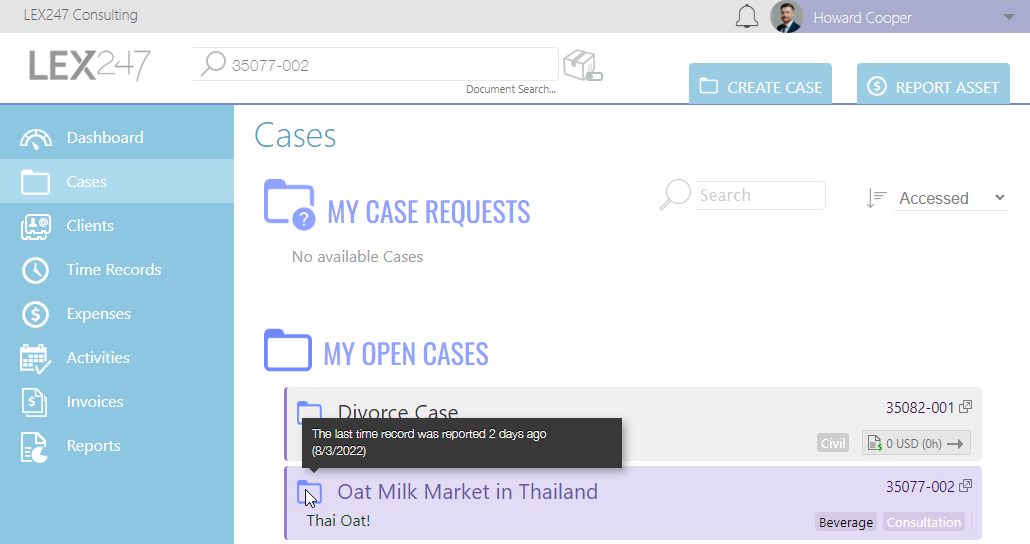
View on Cases-view
On the Main Card, Cases-view, hover your mouse cursor over the 'Folder'-icon and it will appear as below.
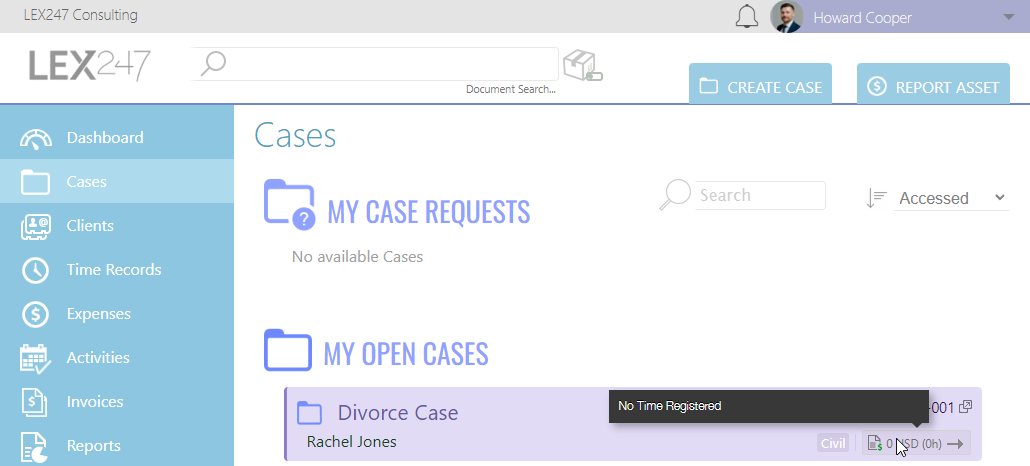
View on Case Trend
On the Main Card, Cases-view, hover your mouse cursor over the Case Trend under the case number, and it will appear as below.
Note:
1. The Case Trend function is only available to a Case Manager.